

At CredSpark, we are continuously working to improve the accessibility of our interactions and the experience they provide to end users. We take accessibility seriously and are committed to meeting WCAG standards. You can find our latest accessibility documentation (VPAT) here.
This article outlines recommendations and things to keep in mind when building accessible interactions, as well as current limitations.
Recommendations
If you want your interaction to meet accessibility standards and color contrast requirements, we recommend using the CredSpark default theme. If you create a custom theme, make sure your text, buttons, and other interface elements meet WCAG color contrast requirements.
When using the Image Select question type, always make sure to add a relevant label to each image.
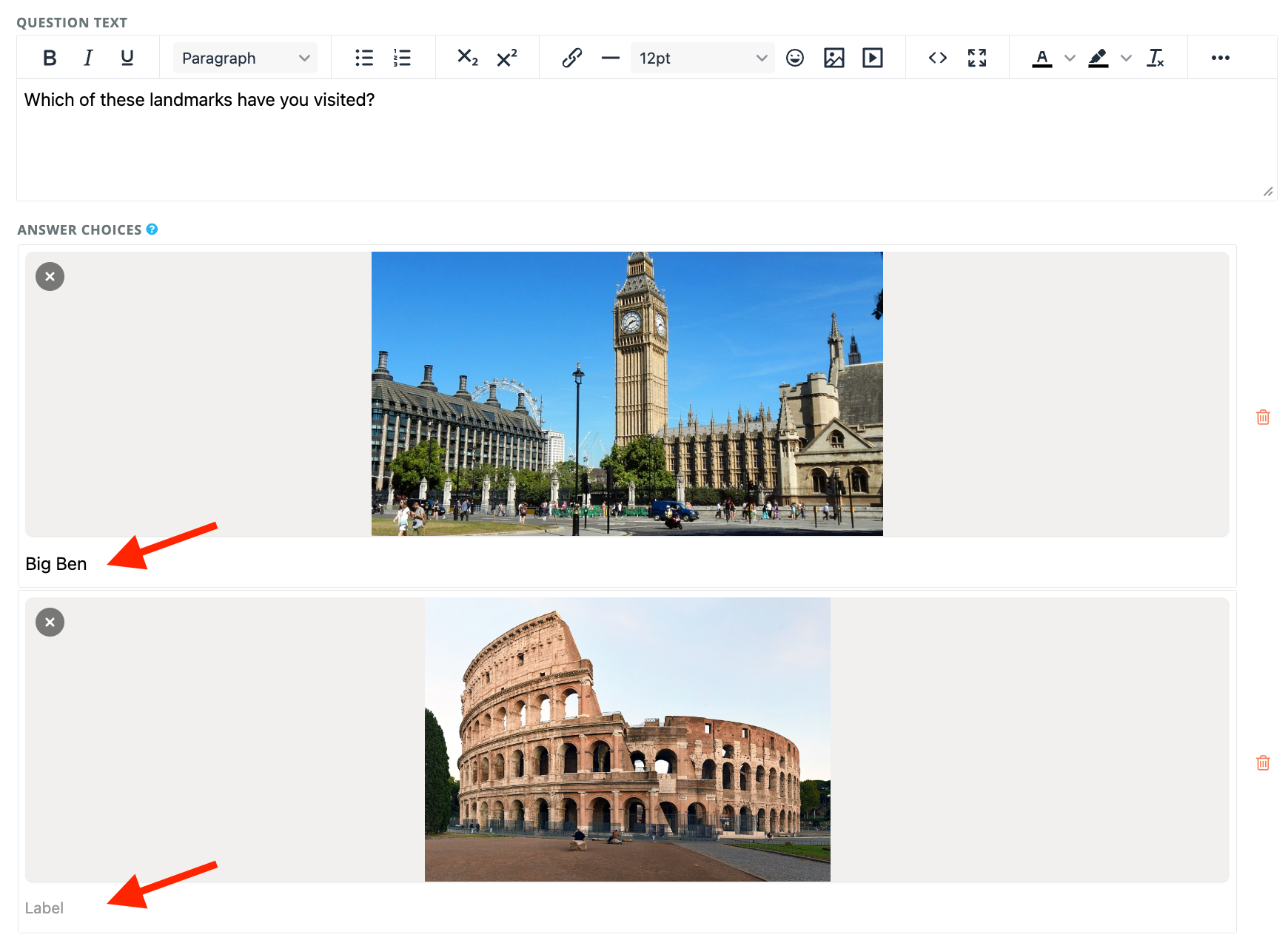
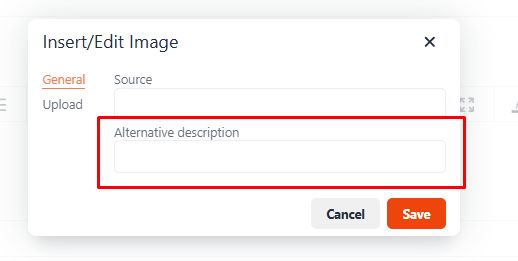
If you use images anywhere in your interaction - including question text, answer options, or Results View blocks - it is your responsibility to provide meaningful alternative description so the content is accessible to screen reader users.
If you have added explanations to your questions and are displaying the Question and Answers block in the Results View, make sure to enable the "Explanation Text Box" setting. This ensures that explanations are displayed directly under the question rather than hidden in a tooltip.
Limitations
While most interaction types and elements are designed with accessibility in mind, some components are not currently fully accessible or have known limitations.
Avoid question types that are not accessible or are difficult to use:
- Hotspot
- Drag and Drop
- Word Play
- Word Cloud
- Captcha
- Continuous Sum*
- Slider*
- Slider List*
*These question types were not included in the initial accessibility audit as they were still in development at that time.
The following Results View blocks are also not currently supported:
- Add to Calendar Button
- Comparison Chart
If you have any questions, please reach out to our team at support@credspark.com