June, 2026 Product Release Notes

Our June release introduces a new Slider List question type, buttons in the Results View, presentation import for Live Mode, several Recognitions improvements, new Quiz Results piping variables, a scoring update, and accessibility enhancements. See below for details.
Availability: All License Tiers
New Question Type: Slider List
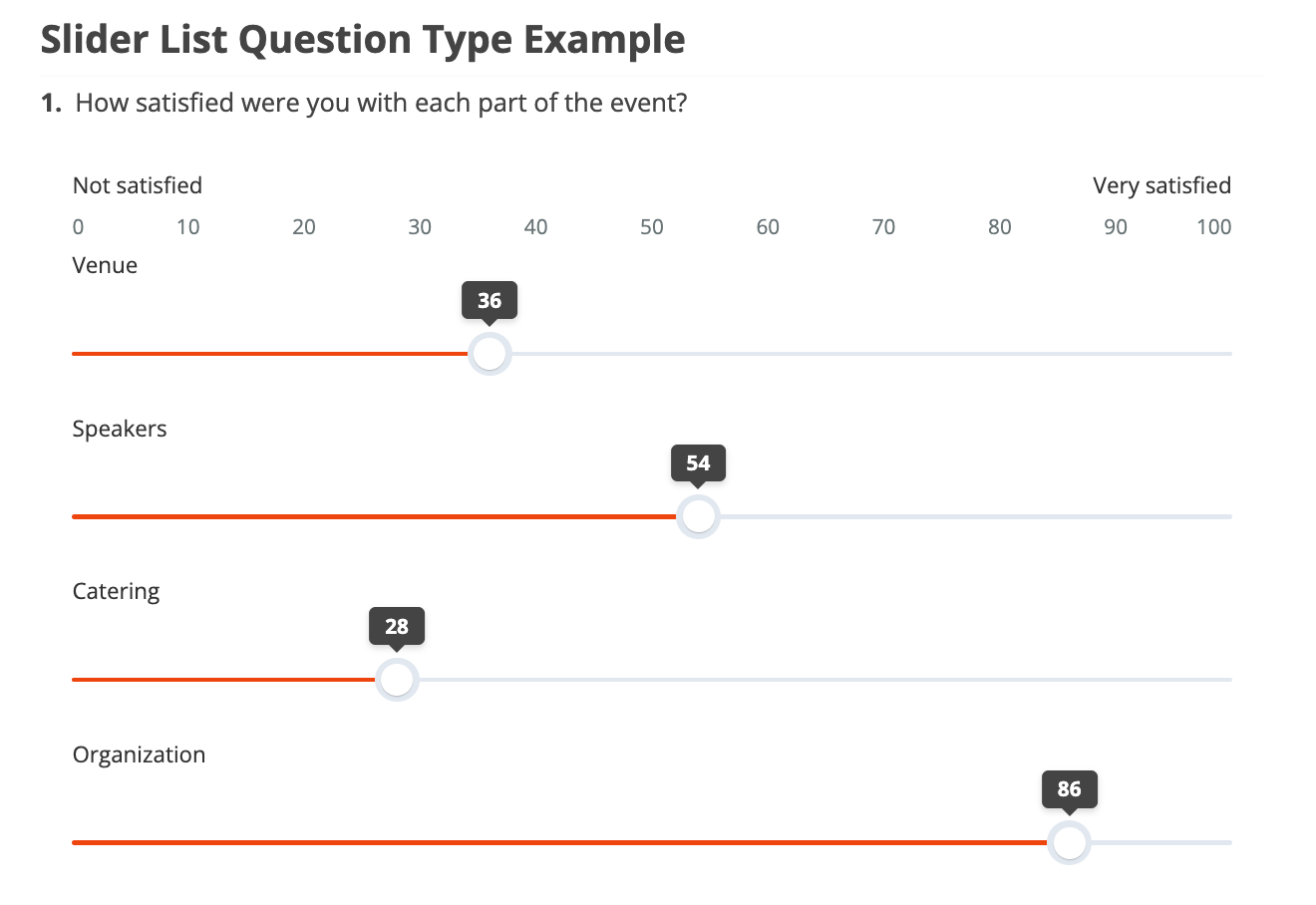
The Slider List question type lets participants respond to multiple sliders within a single question, each with its own label. It builds on the Slider question type - all sliders share the same scale - so it works well when you want participants to rate or score several items on the same scale without creating a separate question for each one. Learn more in this Knowledge base article.
Availability: Premier, Ultimate, CredSpark+, Verint Commercial, Omeda
Direct Salesforce Integration
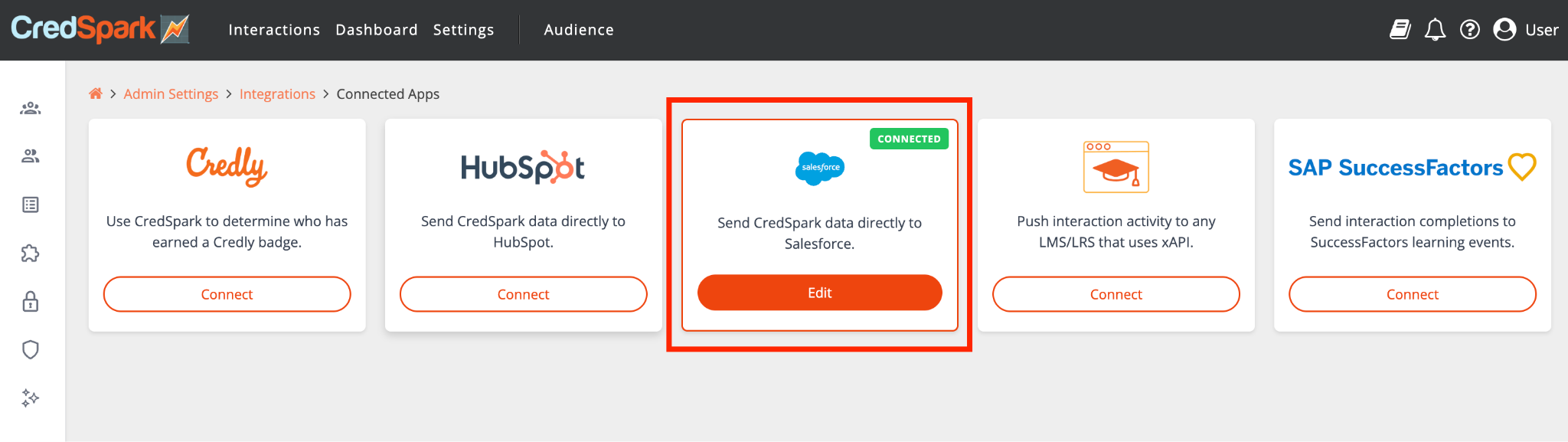
With just a few clicks, you can now connect your Salesforce account and automatically send contact and lead information from CredSpark directly into Salesforce. This makes it easier to keep your CRM up to date, reduces manual data entry, and ensures response data flows smoothly into your existing sales and marketing workflows.
Availability: Everyone
Add a Button to the Results View
Looking for something more eye-catching than a plain old hyperlink? Try adding buttons to your interactions to point participants somewhere - a resource, a landing page, a next step. Each button can be fully customized, or left to match the button styling from your Design tab.
Here is an example of a Results View that uses a link:
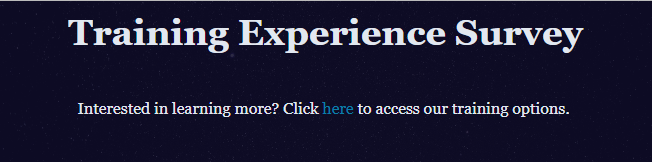
And here’s what that same content could look like if you used a button, instead:
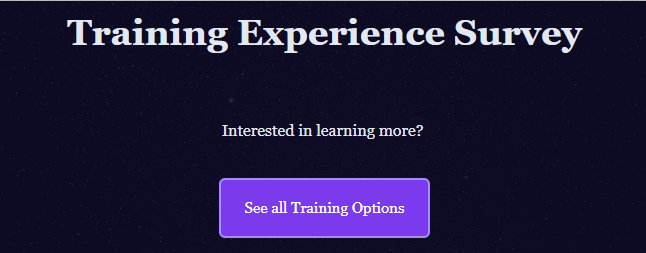
Learn more in this Knowledge base article.
Availability: Ultimate, CredSpark+, Verint Commercial, Omeda
Live Mode: Import a Presentation
Ready to up your Live Mode game? Try importing an existing PDF or PPT file and then adding questions between your slides. Learn more in this Knowledge base article.
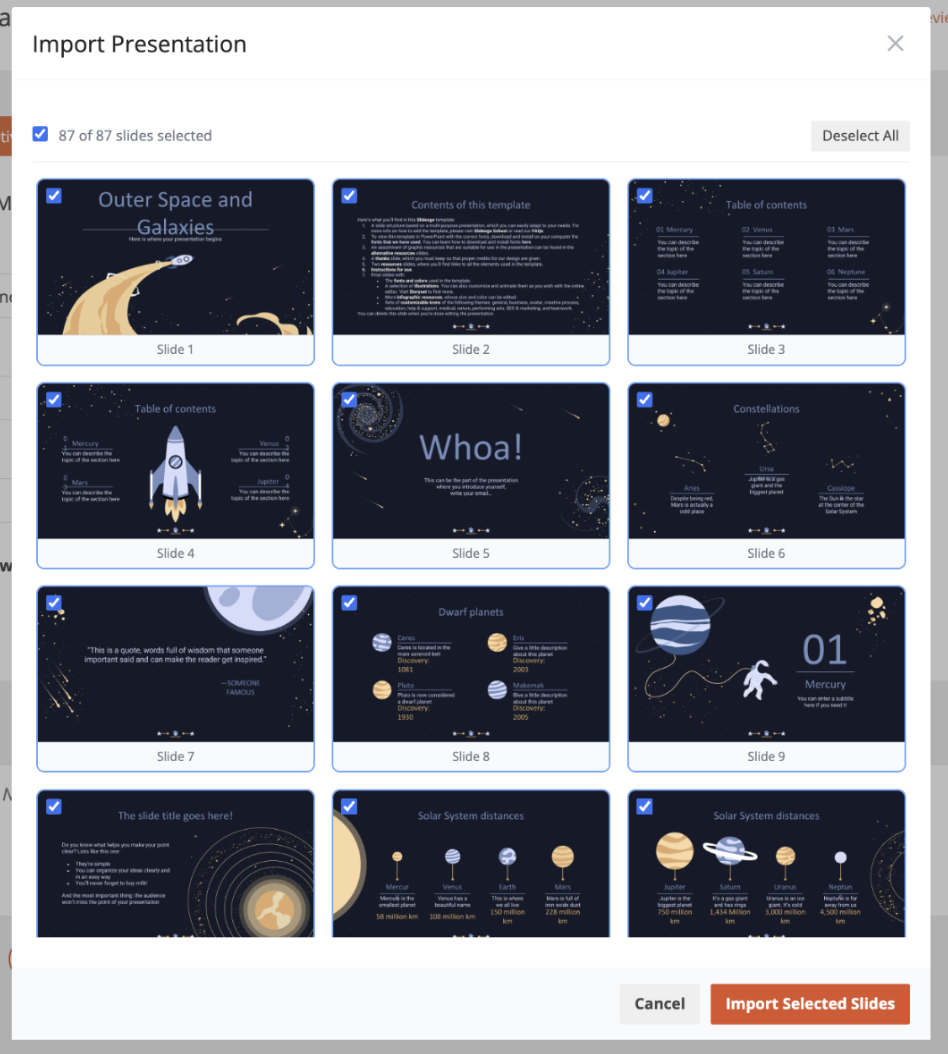
Availability: Everyone
Account Language: New Languages
We have added Português (Brasil) and Português (Portugal) as account interface language options.
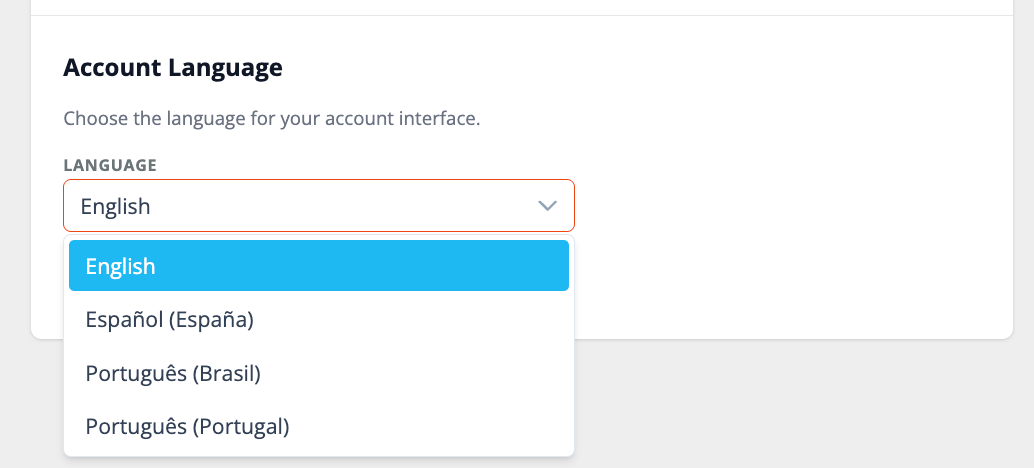
Availability: Premier, Ultimate, CredSpark+, Verint Commercial, Omeda
Recognitions Improvements
- Add hyperlinks to any field on the Recognition Share Page - for example, linking a field to your company's website.
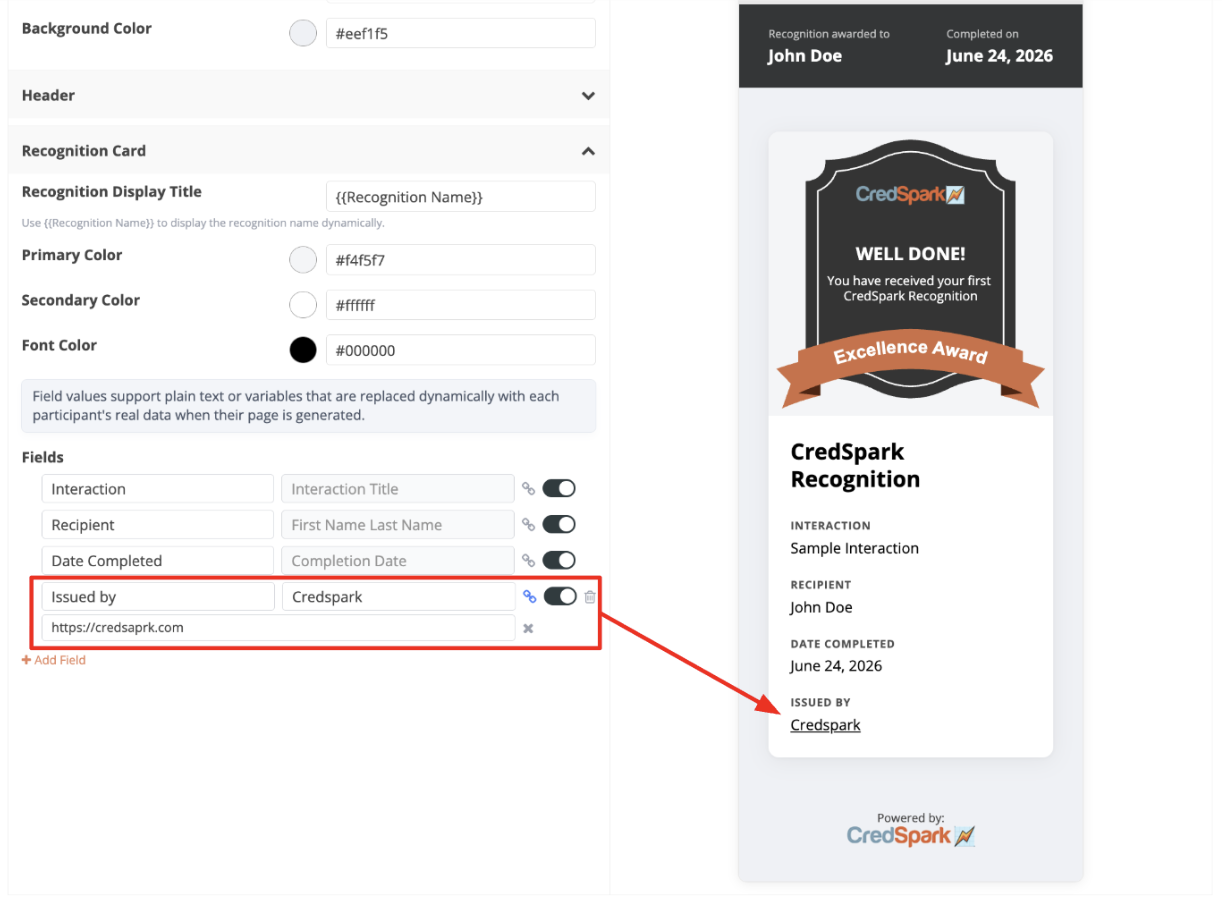
- Pass Recognition data via API, including Recognition name, participant information, and the date awarded.
- Automatically display Recognitions as Badges in the Achievements section of a learner's Degreed profile. Learn more here.
Availability: Premier, Ultimate, CredSpark+, Verint Commercial, Omeda
Scoring update - questions hidden by logic
Scored questions that a participant never saw because of display or skip logic are no longer counted toward their total. For example, in a 10-question quiz with one question hidden by logic, a participant who answers the other 9 correctly now scores 9/9 (100%) instead of 9/10. Questions that were shown but left blank still count and are scored as incorrect.
Availability: Premier, Ultimate, CredSpark+, Verint Commercial, Omeda
New Piping Variables: Quiz Results
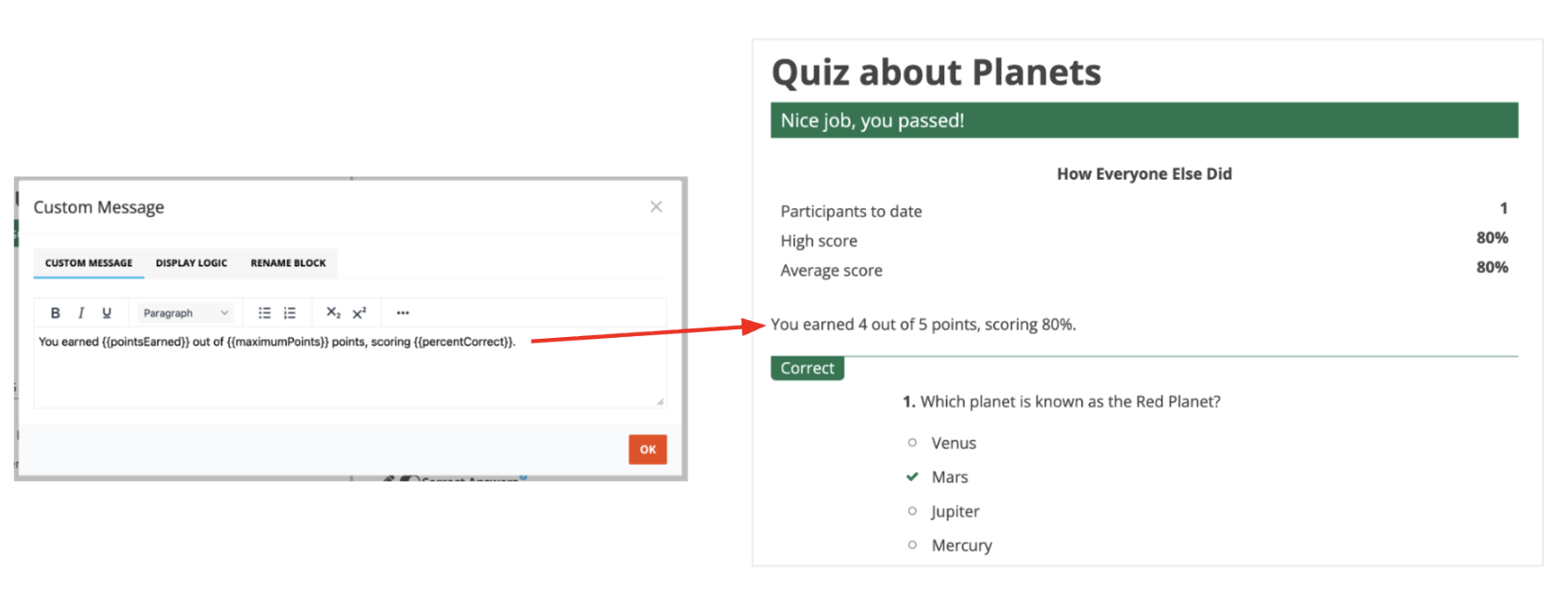
We added a new Quiz Results section to piping logic, available for quizzes. You can now pipe a participant's score directly into your content using three new variables: Points Earned, Maximum Points, and % Correct.
Availability: Everyone
Accessibility Improvements
We're continuously working on improving the accessibility of our interactions. Here are few improvements you will notice with this release:
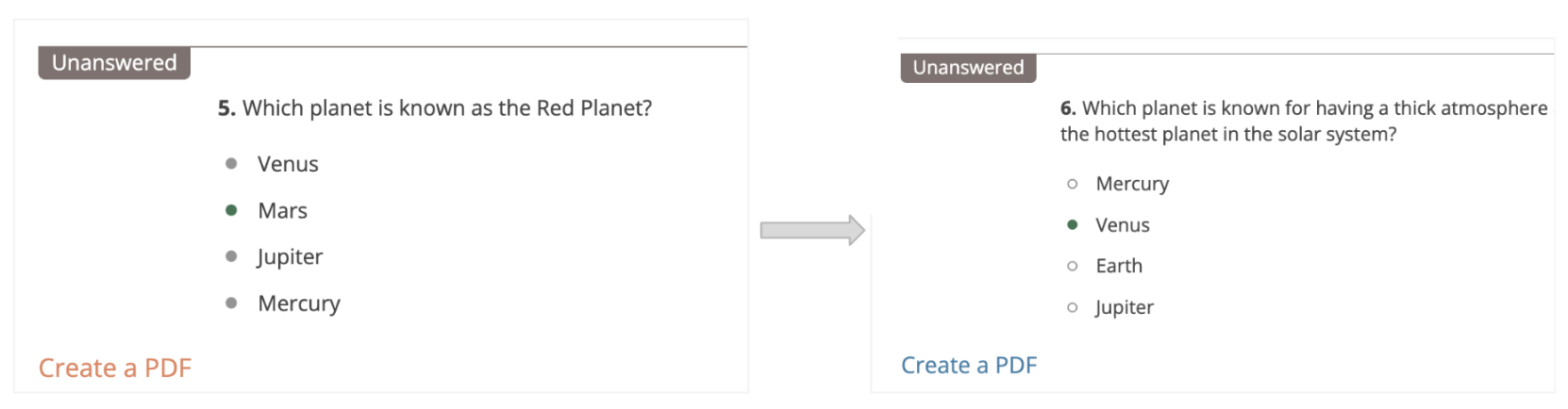
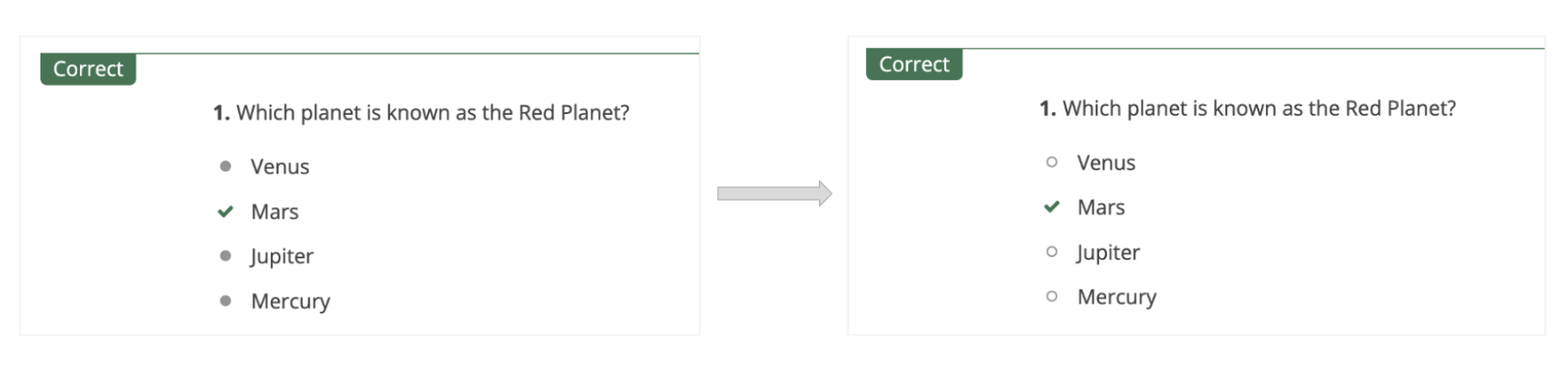
Updated the icon used for unselected answers in the Results View
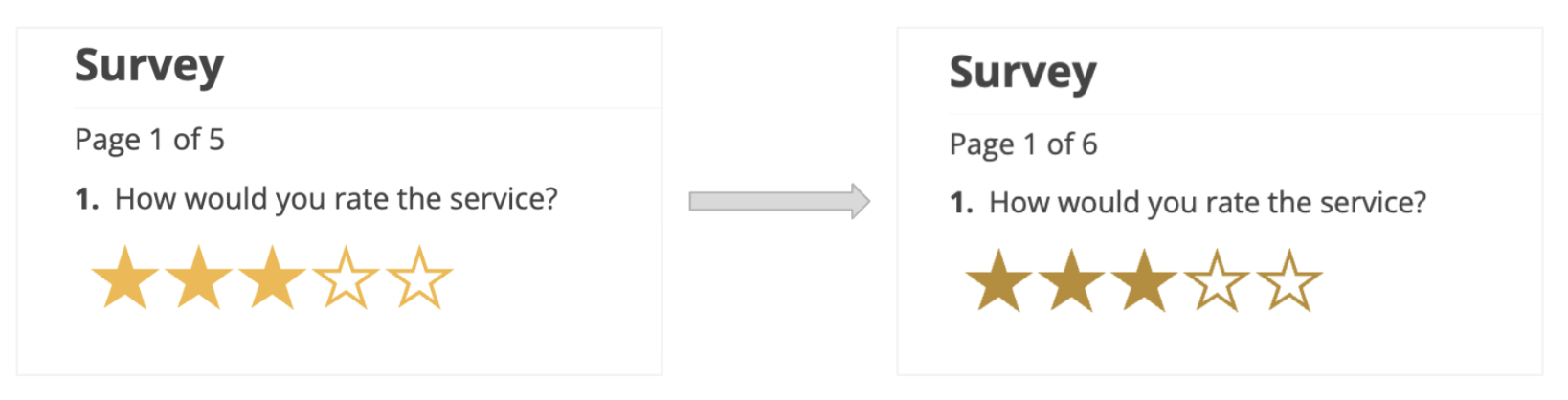
Darkened the star color for a better contrast ratio
Changed link color to blue for a better contrast ratio