
April, 2026 Product Release Notes

Our April release introduces several new features and improvements, including account language support, self-service SAML SSO, AI generation enhancements, new Report display options, and additional delivery options. See below for more details.
Availability: Enterprise, Premier, Ultimate, CredSpark+, Verint Commercial
Generate with AI Improvements
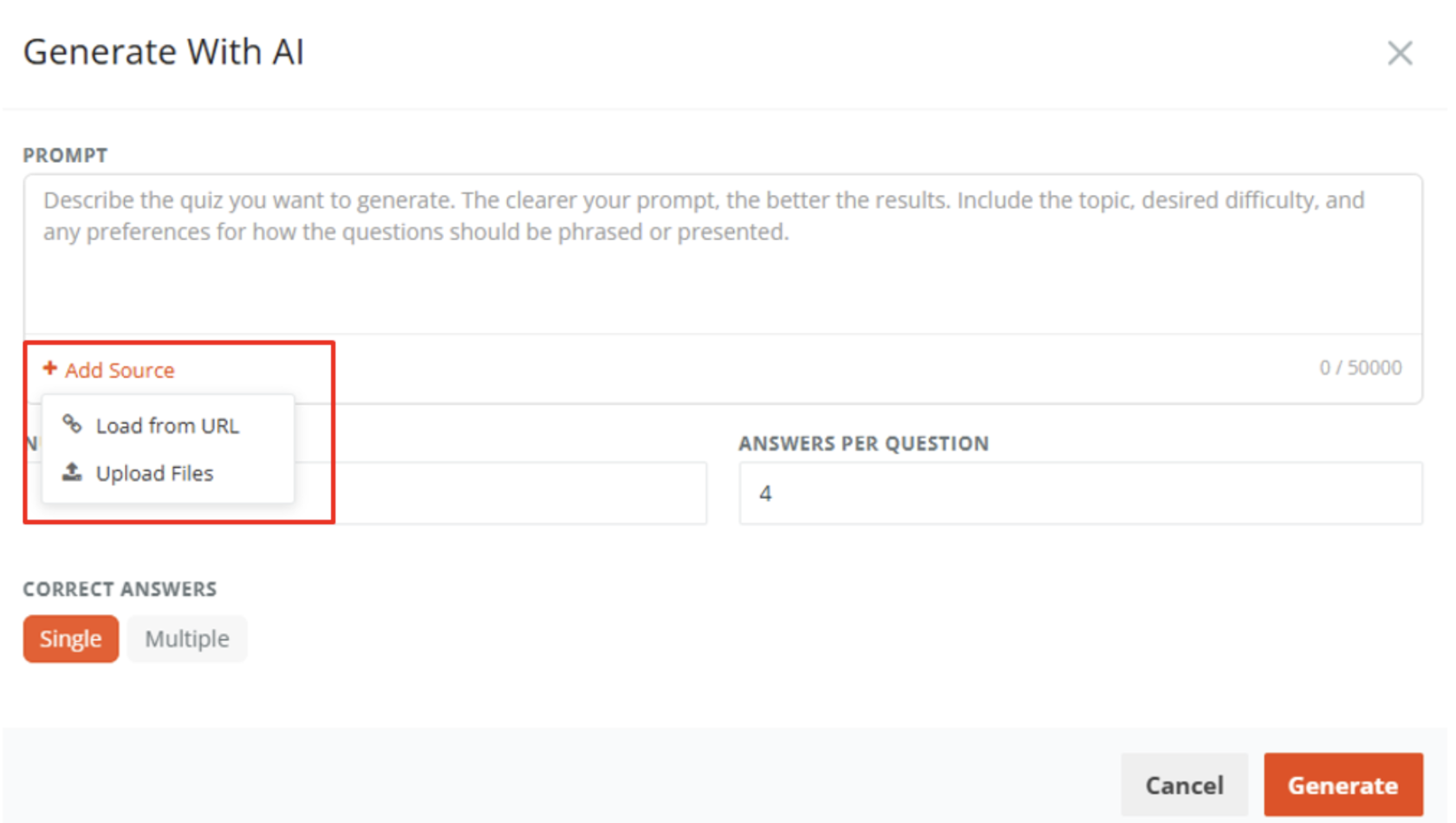
Add Source: In addition to using a prompt, you can provide source material to generate more targeted questions. We have added the option to also upload source files directly. Currently supported file types are PowerPoint (.pptx) and PDF, with a maximum file size of 5 MB per file and a total content limit of 1,000,000 tokens (approximately 700,000 words) across all uploaded files.
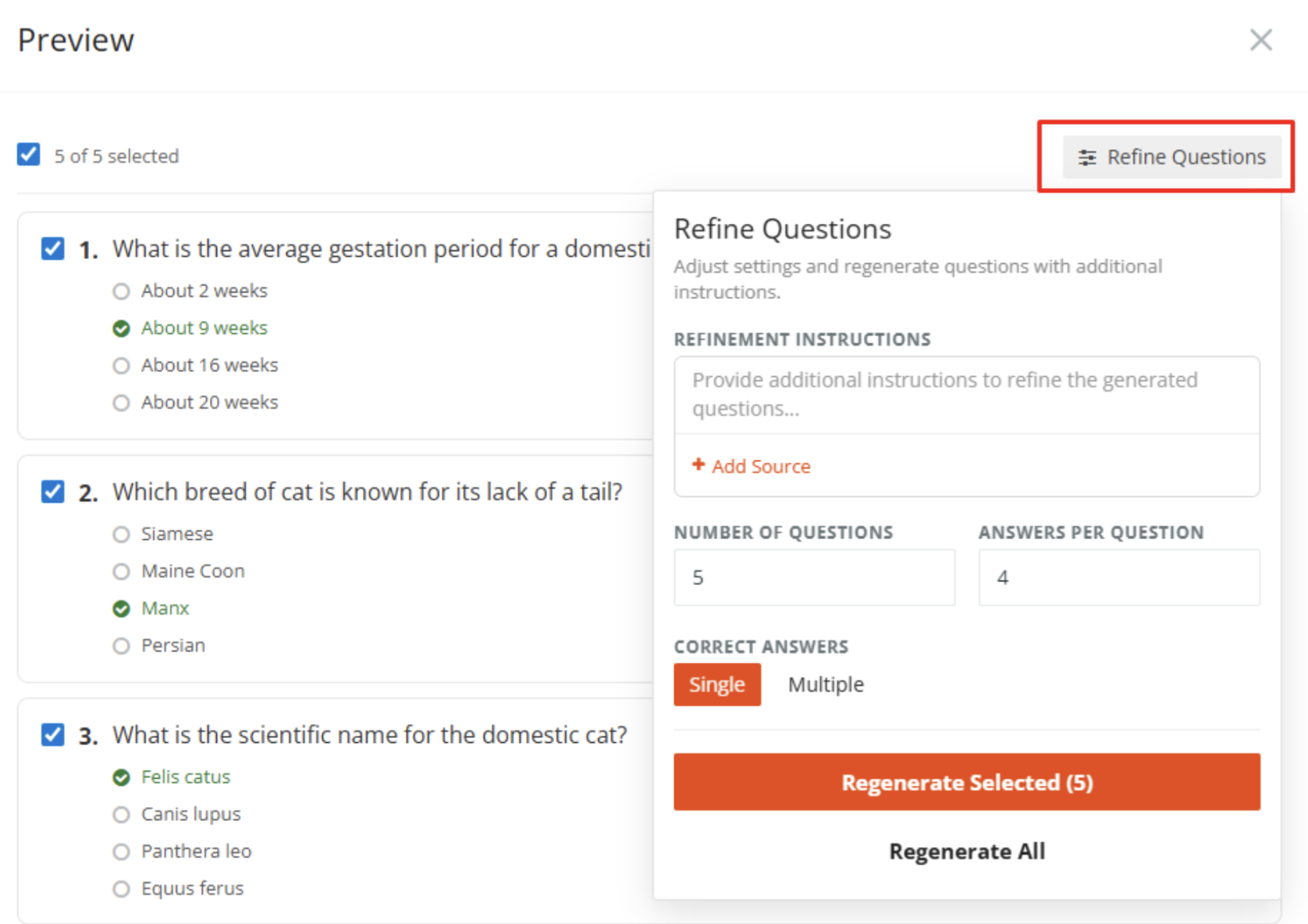
Refine Questions: Once your questions have been generated, you have the option to refine them. All questions are selected by default - you can deselect any question by clicking the checkbox icon next to it. You can also provide additional context or instructions and regenerate questions, allowing you to refine and improve the AI-generated output without starting the entire process over.
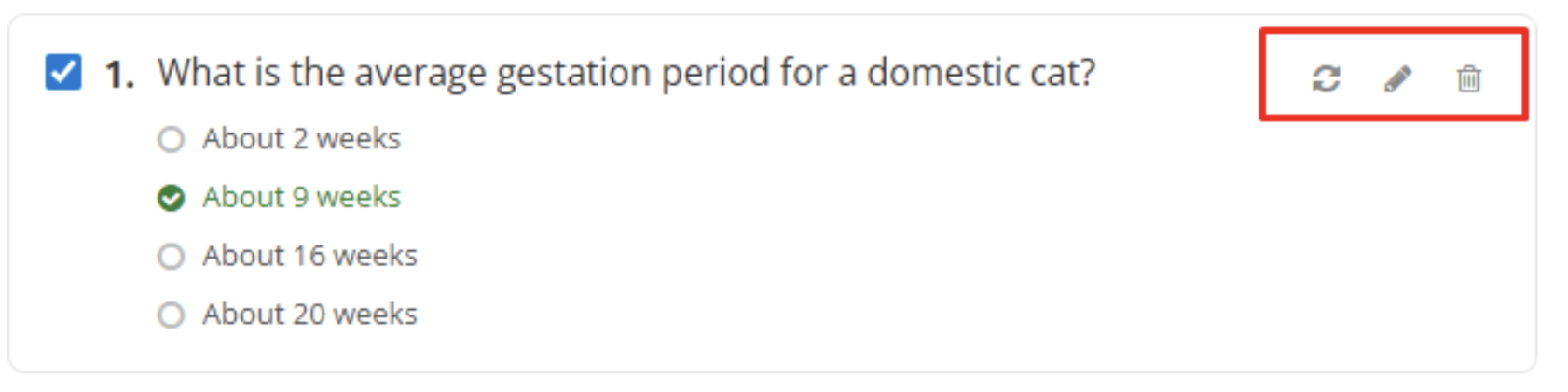
Edit Your Questions: After questions are generated, you can also make adjustments directly from the preview list. You'll notice a pencil icon next to each question — clicking it allows you to make quick edits to that question. You can also remove individual questions from the list or regenerate a specific question on its own.
Learn more about Generate with AI in this Knowledge Base Article.
Availability: All License Tiers
Customize Your Account Language
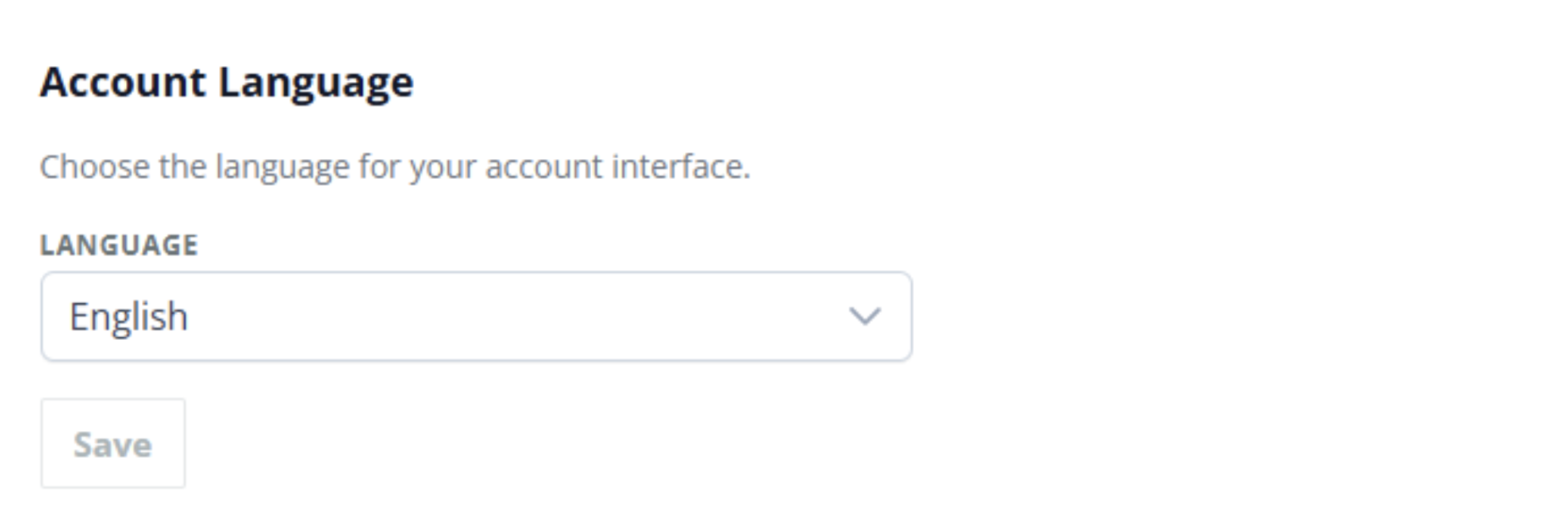
We’ve updated the Account Settings page to include a new language selection option. To update your preference, navigate to Account Settings, where you can choose the language used across your account interface, with English and Spanish currently supported.
Availability: Ultimate, CredSpark+, Verint Commercial
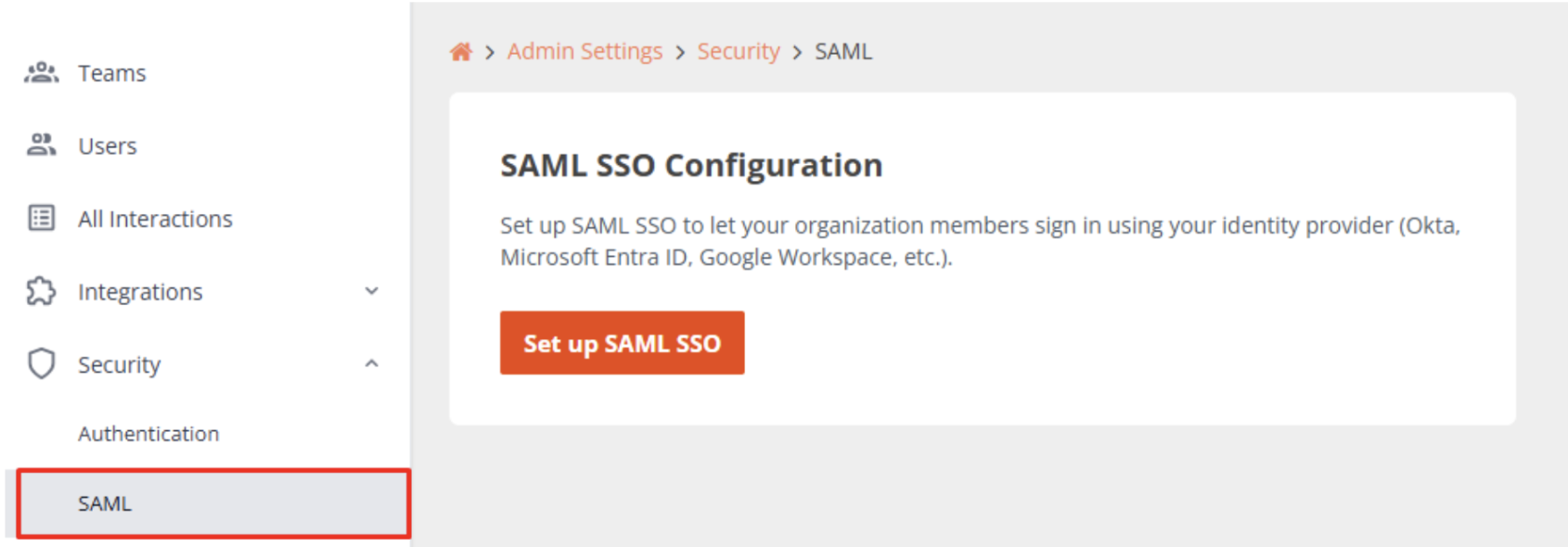
SAML Single Sign-On (SSO): Now Self-Service
Setting up SAML SSO is now self-service. SAML SSO lets your organization members sign in to CredSpark using your existing Identity Provider (IdP) - such as Okta, Microsoft Entra ID (Azure AD), or Google Workspace - without a separate username and password. Admins can now complete the full setup process directly in CredSpark without additional assistance. Learn more in this Knowledge Base Article.
Availability: All License Tiers
New Delivery Options: HTML Format & QR Code
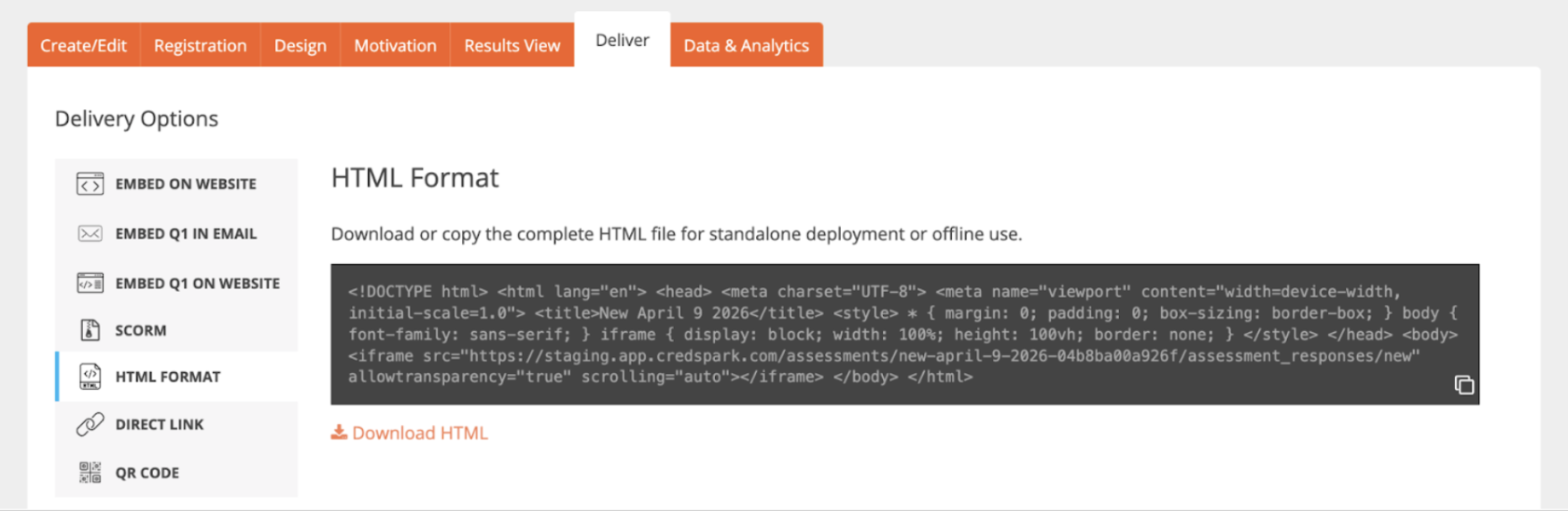
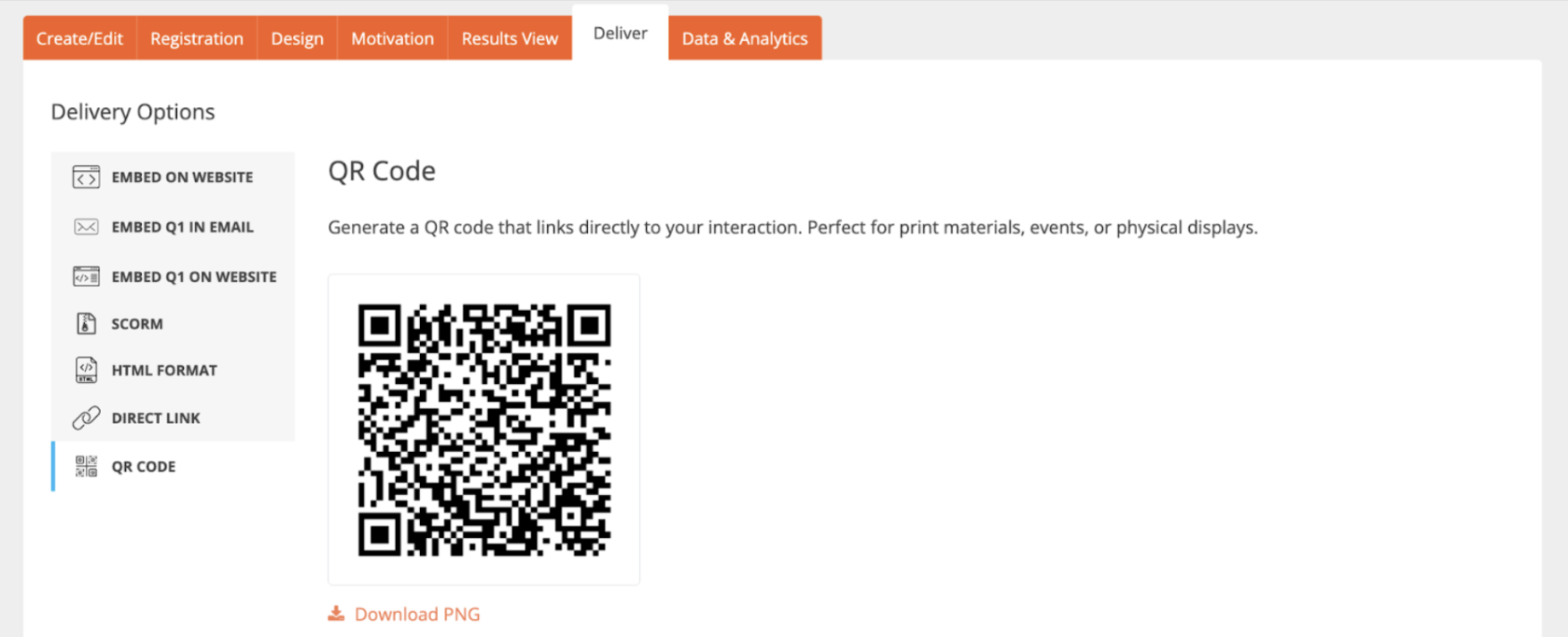
We have added two new options to the Delivery tab.
HTML Format allows users to download or copy the complete HTML file for standalone deployment or offline use - ideal for environments that only support HTML files and do not accept other formats.
QR Code generates a QR code that links directly to your interaction - perfect for print materials, events, or physical displays.
Availability: Ultimate, CredSpark+, Verint Commercial
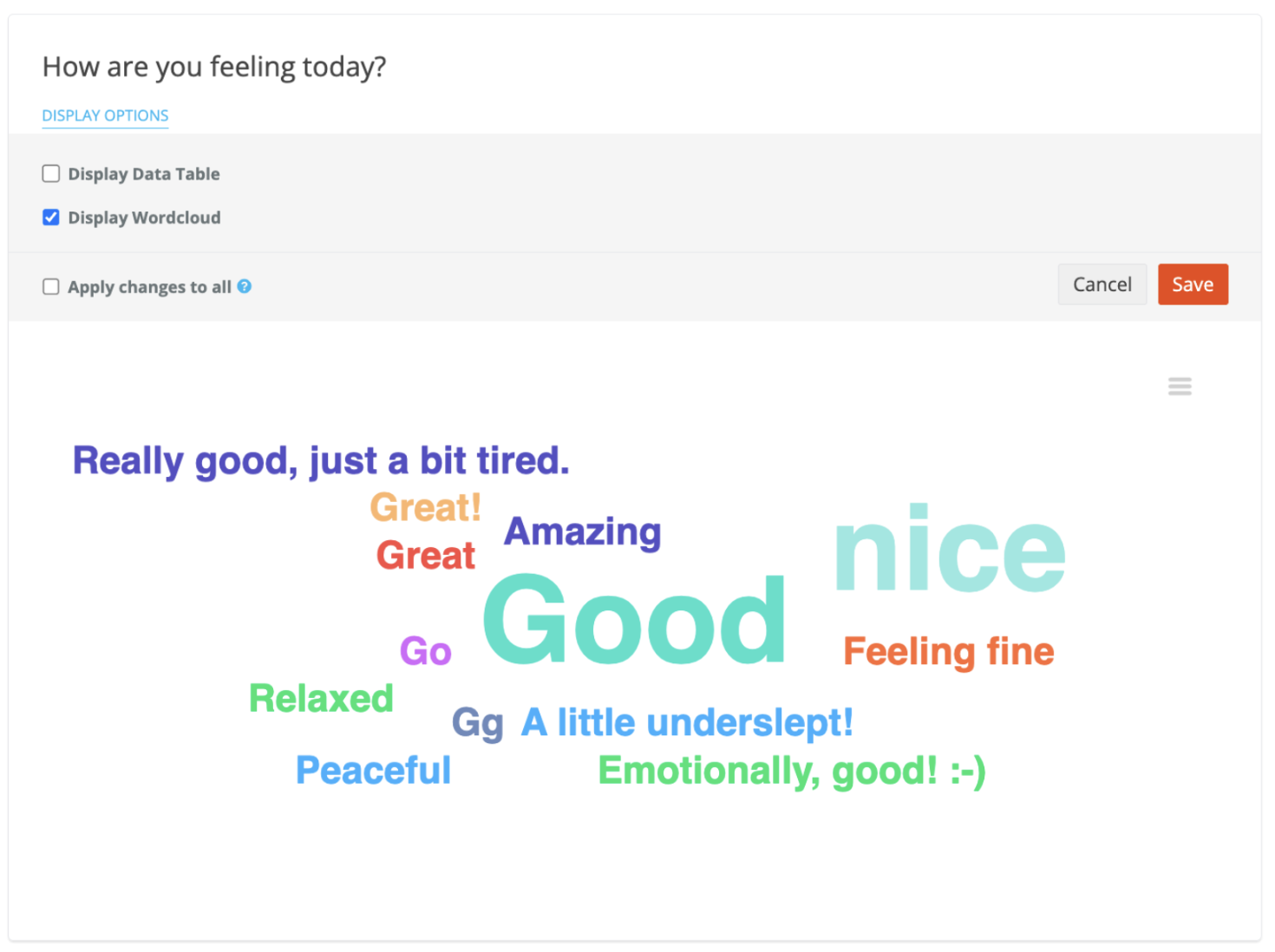
Reports: Short Answer & Wordcloud Display Options
We have added a new display option for Short Answer and Wordcloud question types in Reports. You can now choose to display responses as a Wordcloud, a Data Table, or both.
Bug Fixes:
Fixed an issue where selecting "Other" as an answer choice in Dropdown questions was not working as expected.