December, 2025 Product Release Notes

December brings a strong set of updates focused on flexibility and insight. This release introduces a brand-new Continuous Sum question type, new CSV export options, expanded Custom Scoring, and more!
Availability: Premier, Ultimate, CredSpark+
New Question Type: Continuous Sum
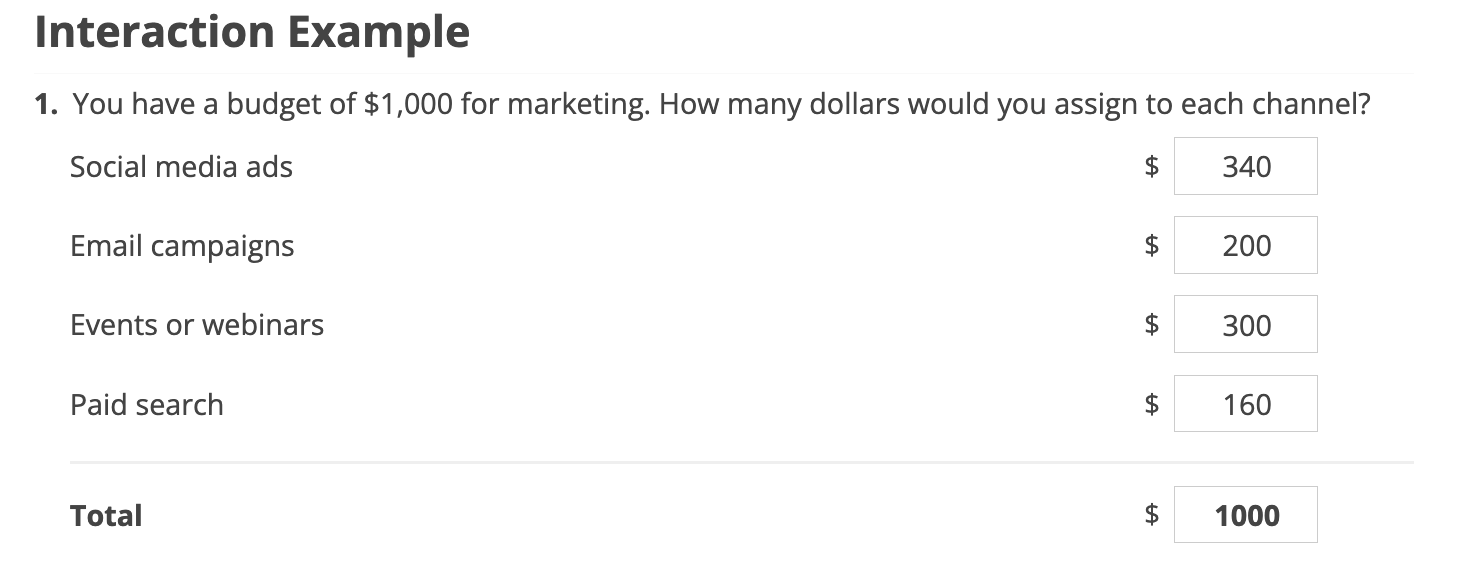
You can now use the Continuous Sum question type to collect multiple numeric inputs and automatically calculate a total, making it ideal for scenarios like allocating a budget, distributing hours or points, or gathering values that need to be added together. Learn more here.
Availability: Everyone
Export Interaction Questions to CSV
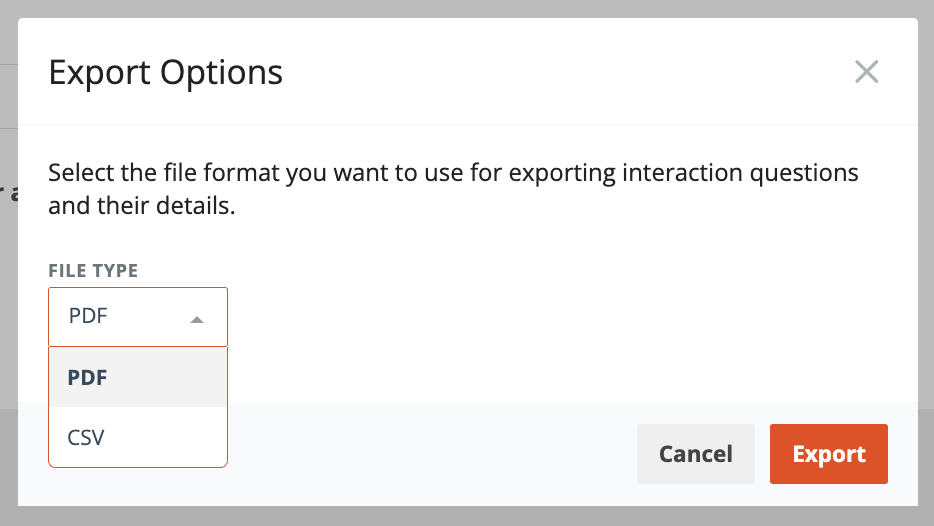
Export interaction questions and their details as a CSV file directly from the Edit tab of an interaction.
The CSV export includes key question information such as question text, response values, scoring details (for quizzes), tags, and outcomes, making it easier to review content, share with stakeholders, or run further analysis. PDF export remains available for visual review of question cards. Learn more here.
Availability: Ultimate, CredSpark+
Reports: Export Data to CSV
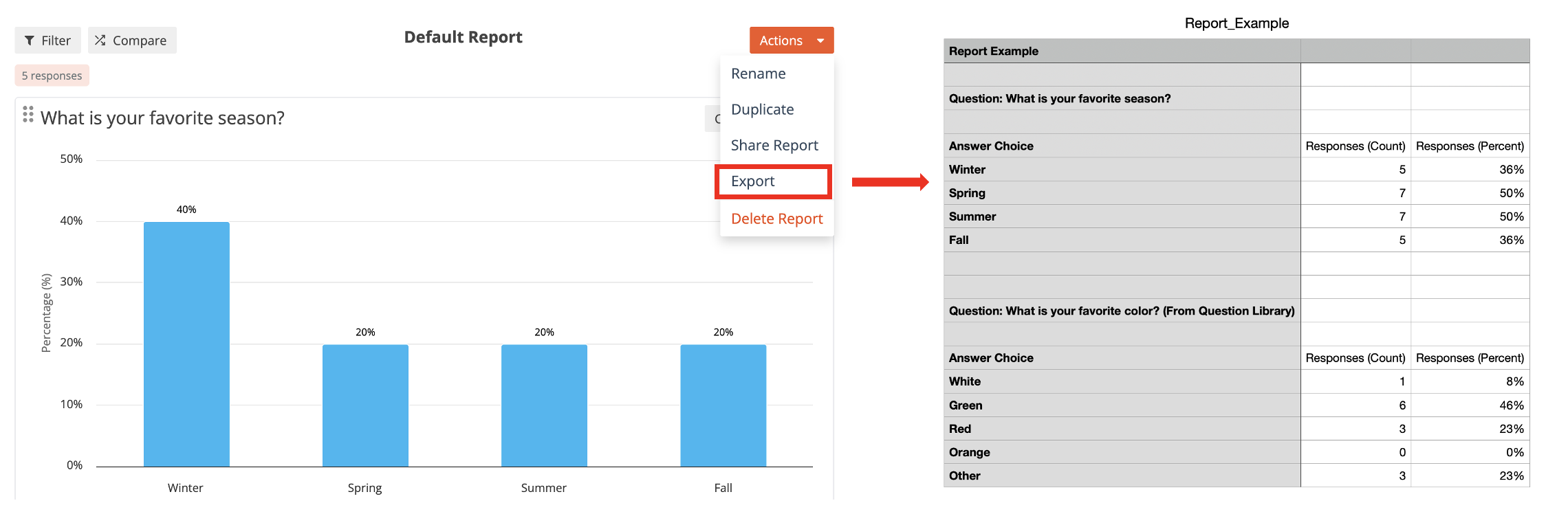
Report data can now be exported to CSV. Exports reflect the current report view, including applied filters and segments, with options to include or exclude individual responses for open-ended and personal information questions. Learn more here.
Availability: Everyone
Custom Scoring: Drag-and-Drop Pair Match
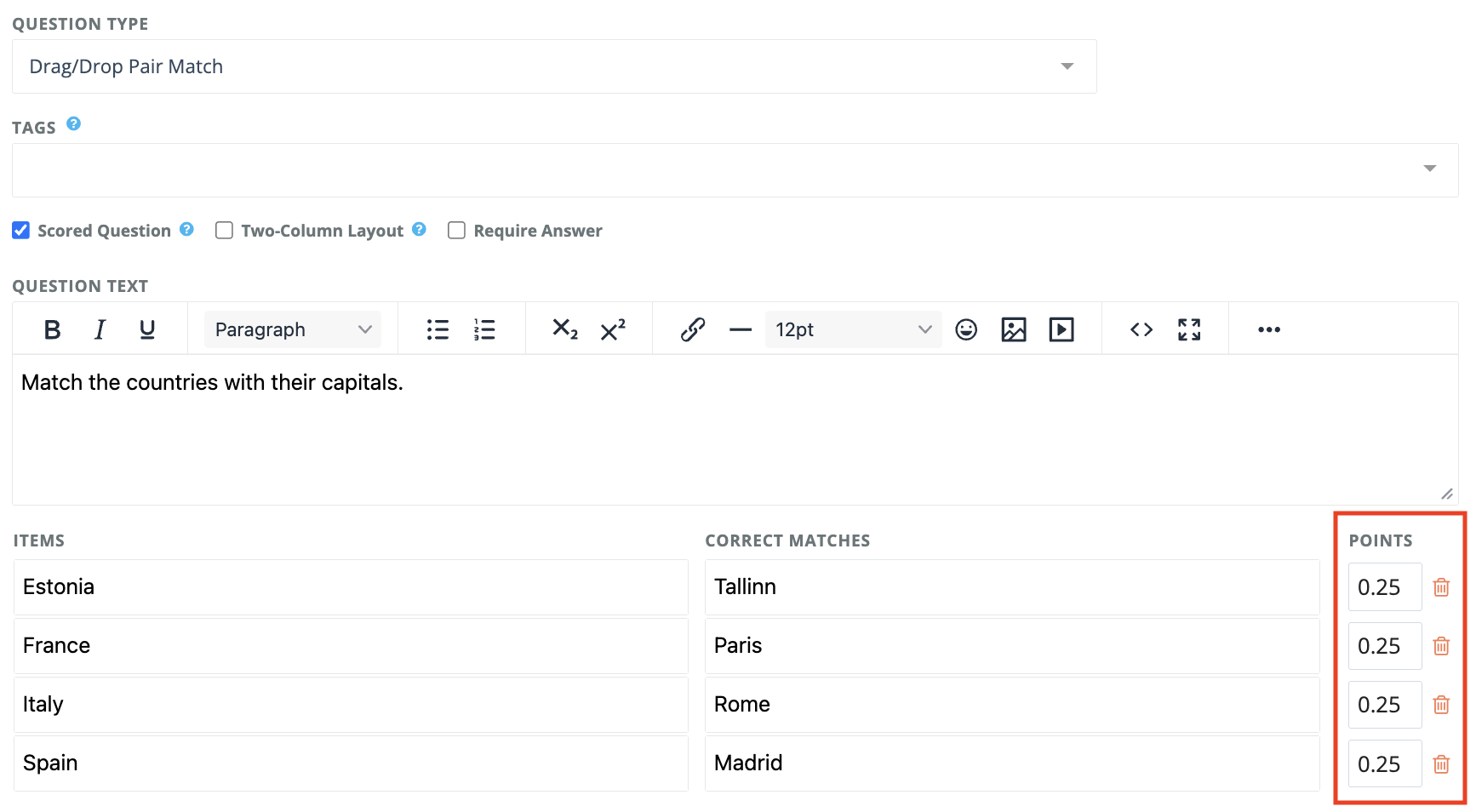
Custom Scoring now supports Drag-and-Drop Pair Match questions.
When Custom Scoring is enabled, participants will earn points for each correct match instead of needing to match all pairs correctly to receive points. For previously created questions, the total score remains 1 point, which is automatically divided evenly across all pairs. You can still adjust the points manually if needed.
Previously submitted responses keep their original scores. New responses submitted after the release use the updated scoring automatically.
If Custom Scoring is not enabled, Drag-and-Drop Pair Match questions continue to require all matches to be correct to receive 1 point.
Availability: Everyone
Results View: Rename Custom Message Blocks.
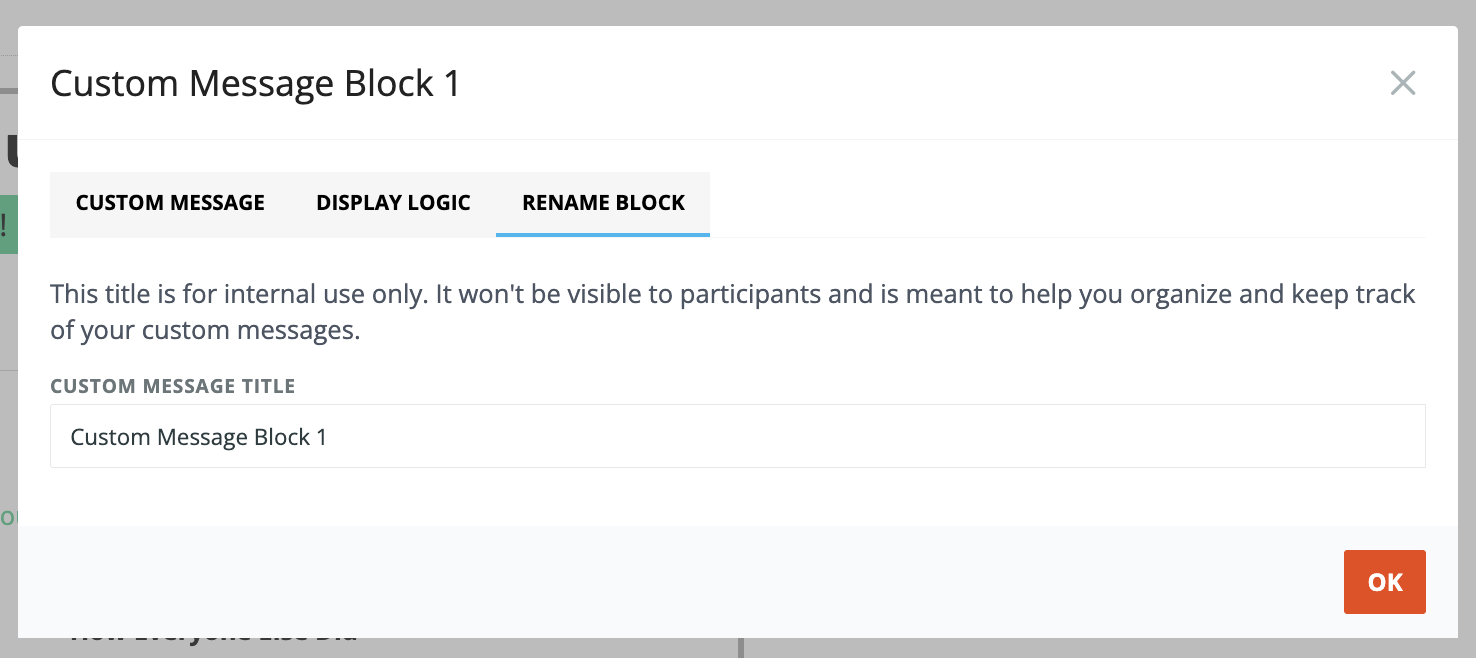
You can now rename custom message blocks to make them easier to manage and organize in Results View.
For each custom message block, you can add an internal title to help manage multiple custom messages. This title is for internal use only and is not visible to participants. Once saved, the title appears next to the block in Results View, making it easier to understand what each custom message is used for - especially when you have multiple custom message blocks with display logic applied.